
WallPanelPro is a wall design and analysis software that integrates with Truss Design & Estimating (Truss D&E) and Truss Modeling.
Capabilities:
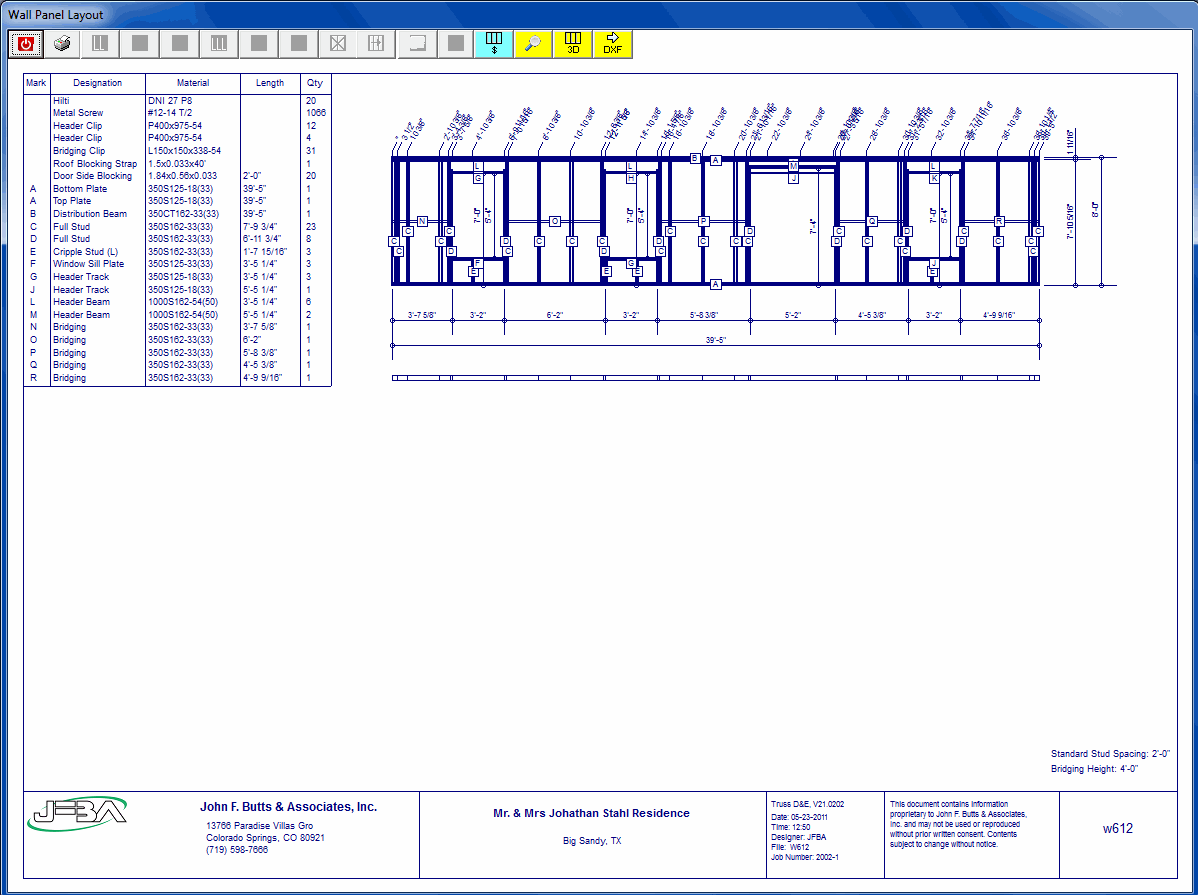
- Draw, label and dimension walls
- Metric and Imperial Units
- Design walls quickly
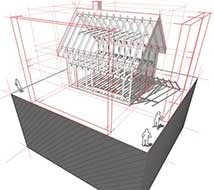
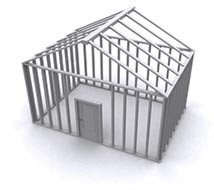
- View single wall panels, complete floors, and complete buildings with 3D Viewer
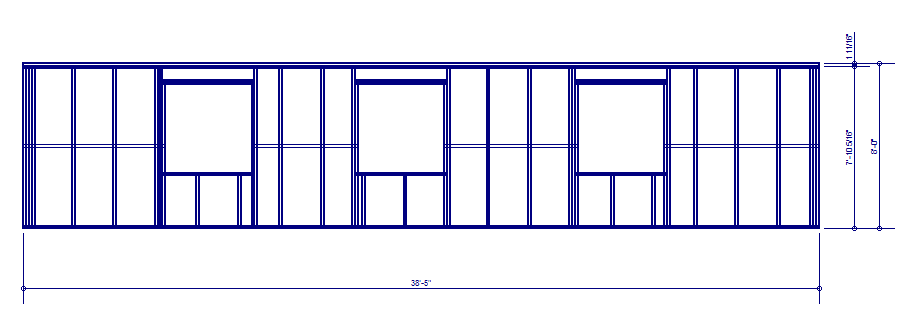
- Layout wall studs
- Break walls into panels
- Distribution beam at top of wall
- User created beam pockets in wall
- Add wall stud at specific location (include rotation)
- Mirror Interior Walls (floor to floor)
- Set initial stud spacing
- Add door and window openings
- Label studs, plates, headers, etc.
- Summarize wall cost and sections
- Sheer Wall Analysis done with a click of a button
- Diaphragm analysis, per level
- Plan layout of shear forces on walls, per level
- Shear wall analysis report
- Create alternate X-braced bays, Left-Right, Left-Right, until shear resistance exceeds actual building shear forces.
- Align X-braced bays, top level to lowest level
- Option to X-Brace both sides of wall
- Allow user to Set/Change X-braced Bay
- X-Brace hold-down connection design
- Design Type I shear panels (solid wall area) with criteria similar to X-brace design.
- Create Type II shear panels(perforated wall) until total shear panels along design plane exceed design requirements (single level only)
- Type II shear panel hold-down connection design
- Show failed design in red. Also list failed results on 1st page of analysis report.
- Diaphragm and shear wall deflection calculations
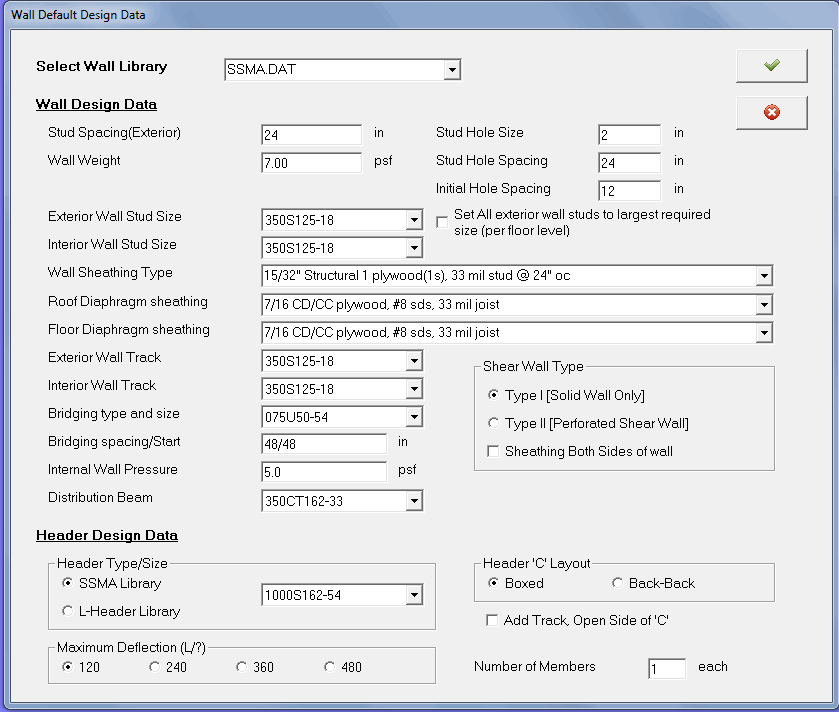
- Designs Studs + Connections, Bottom and top plates, Headers + Connections, and Bridging: Straps +Blocking Connection
- Design up to a 6 story building
- Mirror openings from one level to level
- Easy to use and learn
- Break walls into panels
- Component design
- Floor Joist/Beams
- Rafters
- Columns
- Headers
- Review feature (like truss review)
- Print: Cost reports, Wall components, Shear analysis, Material cut lists, Shop drawings, and Shear Analysis report
- Typical wall details sheet
- Exterior wall corner
- T-Intersection
- Top or Bottom plate splice
- Top plate to floor support
- Roof Truss-Truss Blocking (Roof-Wall Shear distribution)
- Floor Truss-Truss Blocking (Floor-Wall Shear distribution)
- Bottom plate to floor support
- Distribution beam to Top plate
- Header details
- Box headers
- Back-to-back headers
- L-headers
- Panel hold-down connection, floor to floor (Simpson CD)
- Panel hold-down connection, floor to foundation (Simpson CD)
- X-Brace corner Plate/Strap connection and tensioning
- X-Brace hold-down connection, floor to floor (Simpson CD)
- X-Brace hold-down connection, wall to foundation (Simpson CD)
- Gable walls
- Door and Window schedules for each building project.
- Create Interior non-bearing walls
- Create DXF export file for Wall Plan (walls + labels)
- Create DXF export file for wall panels
- Model individual wall (without analysis)